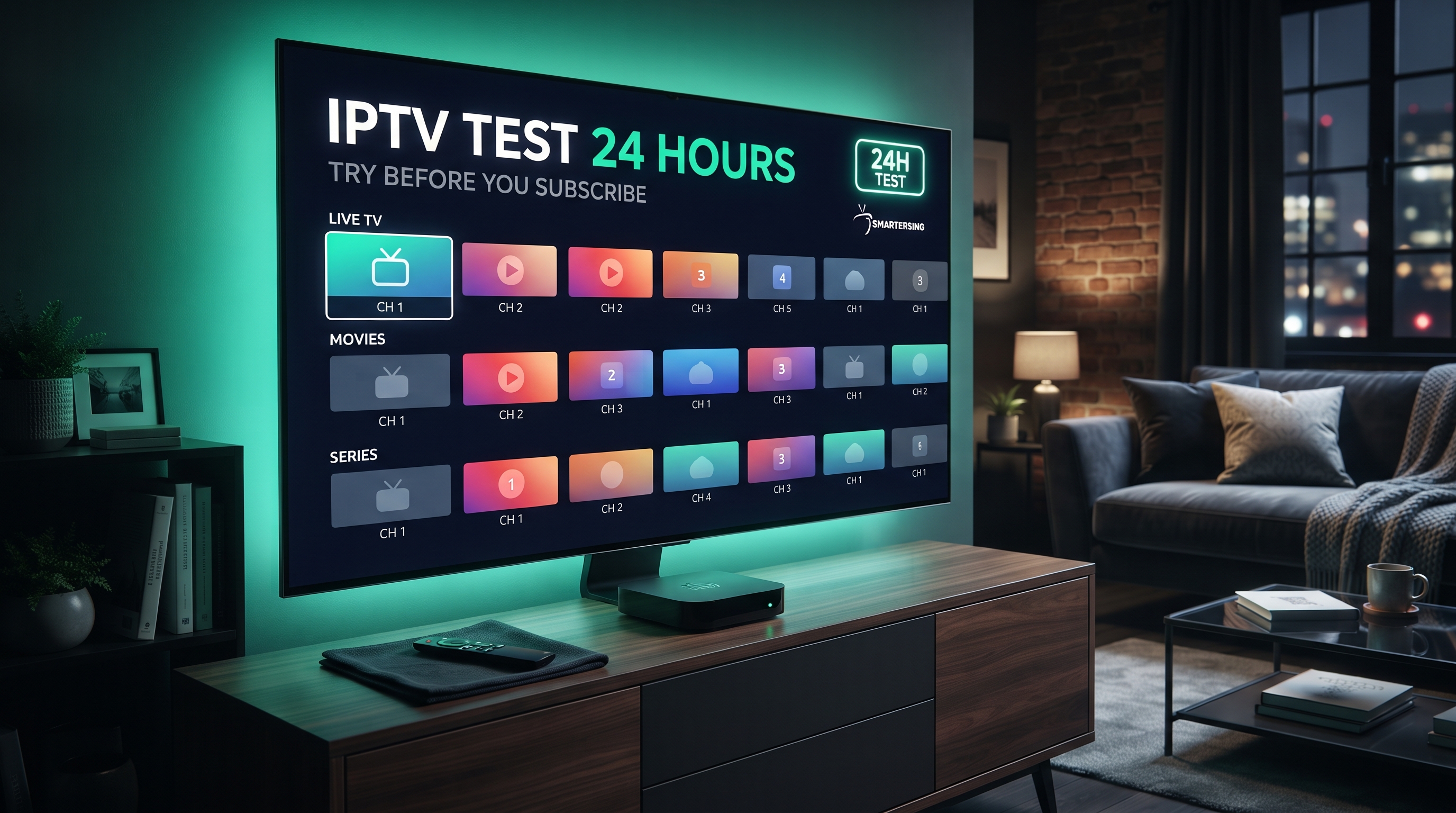
Choosing an IPTV service can be difficult if you have never tested it on your own device. A 24 hour IPTV test gives you a short period to evaluate how an authorised IPTV setup performs before committing to a longer subscription.
Instead of judging a service only from advertisements or screenshots, you can use a trial period to check the things that actually matter: compatibility, connection stability, playback quality, navigation and support. This makes a 24-hour test particularly useful for UK viewers who want to understand whether a setup works well with their television or streaming device.
Important: IPTV is a technology used to deliver video over IP networks. Always use legitimate services and content that you are authorised to access, and comply with applicable copyright, licensing and broadcasting laws.
What Is an IPTV Test 24 Hours?
An IPTV test 24 hours is a temporary access period that allows you to evaluate an IPTV setup before deciding whether to purchase a longer plan. The exact features available during a test can vary between providers.
A useful trial should give you enough time to test the service under normal conditions. You can try it on your preferred device, check different types of streams and see how the service behaves during different times of the day.
A 24-hour period is not necessarily designed to prove that a service will perform perfectly forever. Instead, it gives you an opportunity to identify compatibility or connection problems before making a longer-term commitment.
Why Should You Test IPTV Before Subscribing?
IPTV performance depends on several factors, including your internet connection, device, application, content source and network conditions. A setup that works well for one household may not behave identically in another.
Testing before subscribing allows you to make a more informed decision based on your own equipment and network.
Check Device Compatibility
A test lets you confirm that the IPTV player and authorised service work correctly on your television, Fire TV device, Android TV device or other compatible platform.
Evaluate Streaming Stability
You can check whether playback remains stable during normal viewing and whether buffering occurs under your typical home network conditions.
Check Picture Quality
Testing gives you the opportunity to evaluate the quality of the available sources on your actual television rather than relying solely on promotional descriptions.
Experience the User Interface
Different IPTV players have different layouts and navigation systems. A trial helps you determine whether you find the interface comfortable and easy to use.
What to Check During a 24-Hour IPTV Test
Do not simply start one stream and leave it playing. Use the trial as a structured test so you can identify potential issues before choosing a subscription.
- Test the IPTV player on your main device.
- Check several authorised streams.
- Test playback at different times of the day.
- Check whether the electronic programme guide works where supported.
- Evaluate navigation between categories or playlists.
- Monitor buffering and playback interruptions.
- Check the picture quality on your television.
- Test the service on your normal home internet connection.
- Contact support if you experience a technical problem.
Looking for an IPTV Test in the UK?
Contact Smartersing to ask about a premium IPTV test and find out whether the setup is suitable for your compatible device.
BEST IPTV UK →How Your Internet Connection Affects an IPTV Test
Your internet connection plays an important role in IPTV performance. A fast connection can help with higher-quality video, but stability is equally important.
If your Wi-Fi signal is weak or your network is heavily congested, you may experience buffering even when your broadband package has a high advertised speed.
Test Your Normal Connection
It is best to perform the IPTV test using the same internet connection you normally use for television viewing. Testing from a completely different network may give you results that do not represent your everyday setup.
Consider Network Congestion
Other household devices can affect available bandwidth. Downloads, gaming, video calls and multiple simultaneous streams may increase network usage.
Check Wi-Fi Stability
If the IPTV device is far from the router, wireless interference and distance can affect performance. Where practical, improving the network connection can make the results of your test more representative.
How to Test IPTV Buffering During the Trial
Buffering is one of the most useful things to monitor during a 24-hour IPTV test. However, a single buffering event does not automatically mean the entire service is unreliable.
First, test several different streams. If one stream has problems while others play normally, the issue may be related to that particular source.
If many streams experience interruptions, check your own network and device before reaching a conclusion. Restarting the router and IPTV device can also help identify temporary local problems.
- Test multiple streams.
- Test at different times.
- Check other devices on your network.
- Restart your router if necessary.
- Restart the IPTV player or device.
- Check the player for available updates.
- Contact support if the problem continues.
Can You Test IPTV on Different Devices?
The answer depends on the service and its supported applications. Some IPTV services may support several platforms, while others may be designed for particular devices or players.
If you own more than one compatible device, testing your preferred setup can be useful. For example, you may want to compare playback on a Smart TV with an external streaming device.
Smart TV
A Smart TV can provide a convenient setup because compatible applications may run directly on the television without requiring an additional streaming device.
Fire TV Stick
A Fire TV Stick can provide another application environment and may be useful when your television does not support the IPTV player you prefer.
Android TV
Android TV devices can offer access to a range of compatible applications. As with any platform, you should confirm current application and service compatibility before subscribing.
What IPTV Quality Should You Expect?
IPTV picture quality depends on the original video source, encoding, network connection, device, player and television. A trial gives you the opportunity to see how the available content looks on your own equipment.
Do not judge quality only by a resolution label. A stream advertised as high resolution may still look poor if the source quality or network performance is limited.
Your television also matters. A high-quality display can show more detail when the original source provides it, but it cannot create genuine detail that is missing from the stream.
Why Customer Support Matters During an IPTV Test
A trial is also an opportunity to evaluate how easy it is to get help. Even a technically good IPTV setup can become frustrating if you cannot get assistance when something goes wrong.
Check how quickly your provider responds to questions and whether the support team can explain setup or troubleshooting steps clearly.
Good support should help you understand compatibility, account information and basic technical issues without making unrealistic promises about performance.
Want to Try a Premium IPTV Setup?
Contact Smartersing to ask about a premium IPTV test and check the compatibility of your preferred setup before choosing a longer plan.
GET FREE PREMIUM IPTV TEST →How to Choose IPTV After a 24-Hour Test
Once your test has finished, review the experience rather than making a decision based on one feature. A reliable choice should fit your device, network, viewing requirements and budget.
- Compatibility: Confirm that your preferred device and player are supported.
- Stability: Review how playback performed during your normal viewing times.
- Quality: Evaluate the actual picture quality on your own television.
- Support: Consider how quickly technical questions were answered.
- Pricing: Check the full subscription price and terms before purchasing.
- Transparency: Choose a service that clearly explains its offering and limitations.
- Authorisation: Use only content and services you are legally permitted to access.
Common Mistakes When Testing IPTV
Testing Only One Stream
One stream cannot give you a complete picture of the overall setup. Test several available sources where authorised.
Ignoring Your Own Network
If your home network is unstable, IPTV performance may be affected regardless of the service you are testing. Always consider your local connection.
Testing Only at One Time
Network conditions can change throughout the day. Using the full 24-hour period allows you to test the setup during more than one viewing window.
Choosing Only Because of a Marketing Claim
Large channel numbers, resolution labels or other promotional claims do not automatically mean a better viewing experience. Focus on compatibility, stability, quality, support and transparent terms.
Tips for Getting the Most From a 24-Hour IPTV Test
A structured test can give you much more useful information than simply opening the application once.
- Test your main television or streaming device first.
- Use your normal home internet connection.
- Try several authorised streams.
- Test during different times of the day.
- Check the application navigation.
- Monitor buffering and playback interruptions.
- Ask support questions if you need help.
- Review pricing and subscription terms before purchasing.
Ready to Test IPTV for 24 Hours?
Get in touch with Smartersing to learn more about available testing options and compatible IPTV setups.
24H FREE IPTV 8K TEST →Final Thoughts
An IPTV test 24 hours can be a practical way to evaluate an IPTV setup before committing to a longer subscription. It gives you time to check your device, player, internet connection, playback quality and overall user experience.
The most useful approach is to test the service under your normal conditions rather than relying only on promotional information. Try multiple authorised streams, check performance at different times and pay attention to how the service and support team respond when you need assistance.
If the setup works well with your equipment and meets your requirements, you can then make a more informed decision about whether a longer subscription is appropriate.
Disclaimer: Smartersing provides information about IPTV technology, compatible devices and streaming setups. Users are responsible for ensuring that any IPTV service, stream, channel or other content they access is properly authorised and complies with applicable copyright, licensing and broadcasting laws. Trial availability, application compatibility and service features may change over time.