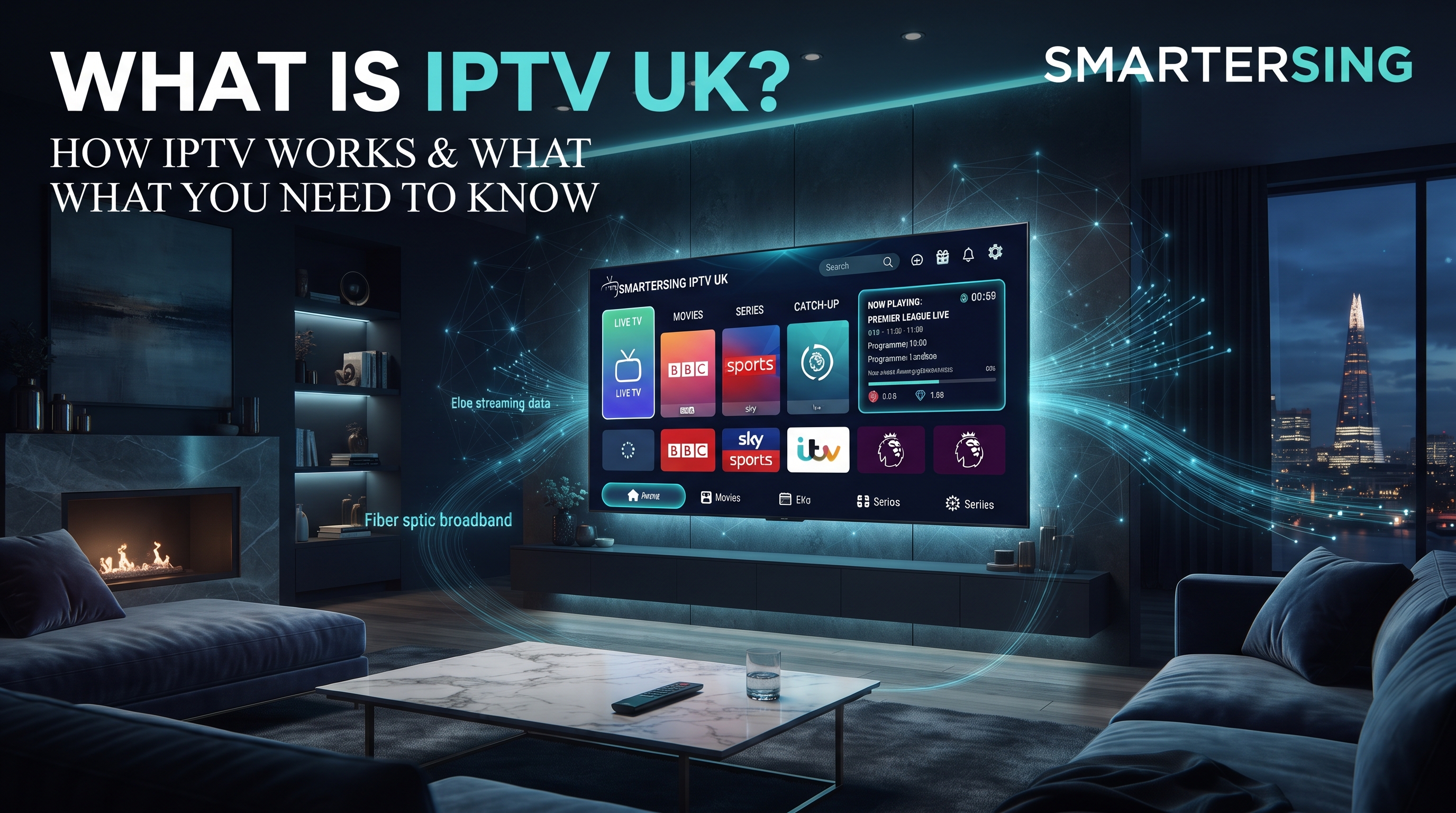
If you have searched for IPTV UK, best IPTV UK or an IPTV subscription, you have probably seen many different explanations. Some focus on apps, others discuss Smart TVs and Fire TV Sticks, while some concentrate mainly on channels, pricing or streaming quality.
The basic idea is much simpler. IPTV stands for Internet Protocol Television. It describes television and video content delivered using internet protocol networks rather than relying exclusively on traditional terrestrial, satellite or cable distribution.
In practical terms, IPTV allows compatible television and video content to be delivered through an internet connection to a supported device. Depending on the service and application, this can include live television, on-demand video and other streaming features.
Looking for a UK IPTV Option?
Explore the available Smartersing plans and choose a subscription period that fits your viewing setup.
BEST IPTV UK — VIEW PLANS ↗What Does IPTV Stand For?
IPTV means Internet Protocol Television. The term refers to the delivery of television programming through IP-based networks.
Unlike a specific streaming application, IPTV is not a single app, device or brand. It is a technology and delivery method. Different providers can use different platforms, applications, players and content delivery systems.
This distinction is important when searching for the best IPTV UK options. Two services can both describe themselves as IPTV services while offering completely different applications, features, content rights, support and user experiences.
How Does IPTV Work?
At a high level, IPTV works by sending digital video data across an IP network to a compatible device. Your Smart TV, streaming device, computer or other supported hardware connects to the internet and receives the stream through an appropriate application or platform.
A simplified IPTV process looks like this:
- Content is prepared: Video content is encoded into a digital format suitable for streaming.
- The service delivers the stream: The content is made available through an IP-based delivery system.
- Your device connects: A compatible device and application request the selected content.
- The data travels: The video stream is transmitted through your internet connection.
- The player displays the content: The application decodes the stream and presents it on your screen.
Because several components are involved, streaming performance can depend on more than just your television. Internet stability, Wi-Fi quality, device performance, application compatibility and the stream itself can all influence the experience.
IPTV vs Traditional TV in the UK
Traditional television services can use different delivery methods. Terrestrial television uses broadcast infrastructure, satellite television uses satellite transmission, and cable television relies on cable networks.
IPTV uses IP networks to transport video. This makes it particularly suitable for connected devices because internet-based infrastructure can deliver content to different types of screens.
Software also plays an important role. IPTV applications can provide interfaces for live television, programme guides, categories, favourites and other features depending on the application and service.
What Do You Need to Use IPTV?
Many households already have the basic equipment needed for internet-based television. Generally, you need a suitable internet connection, a compatible viewing device and a legitimate service or platform providing content you are authorised to access.
1. A Stable Internet Connection
IPTV depends on network connectivity. A fast connection can help, but stability is also important. Wi-Fi interference, network congestion, router performance and other devices using your connection can affect playback.
Higher-resolution video can require more bandwidth than lower-resolution content. The actual requirement depends on factors such as bitrate, compression, resolution and network conditions.
2. A Compatible Device
Depending on the service, IPTV applications may work across Smart TVs, Fire TV devices, Android TV devices, Apple TV, computers, tablets and smartphones.
Compatibility should always be checked before choosing an IPTV subscription UK option. Your exact television model and operating system can determine which applications are available.
3. A Compatible IPTV Application
Many IPTV services are accessed through a media player or IPTV application. The application provides the interface through which users interact with the available streaming service.
Depending on the application, features can include electronic programme guides, favourites, categories, playback controls and video-on-demand sections.
Can You Use IPTV on a Smart TV?
Yes, many Smart TVs can be used with compatible IPTV applications. However, the exact setup depends on the television manufacturer, model, operating system and the applications available through its platform.
Samsung and LG televisions use their own Smart TV platforms, while Android TV and Google TV devices use a different application ecosystem.
Before purchasing an IPTV UK subscription, check that the service and application you plan to use are compatible with your exact television.
Can IPTV Work on a Fire TV Stick?
Fire TV devices are designed for internet-connected streaming and can support compatible applications. This makes them a popular choice for adding streaming functionality to a television.
The Fire TV Stick itself is simply a device. Whether a particular service is legitimate depends on the service and the rights associated with the content it distributes.
Always use legitimate applications and content sources, and make sure you are authorised to access the content you watch.
Want to Test the Experience First?
Contact Smartersing to ask about the available test option and check whether the setup is suitable for your compatible device.
GET FREE PREMIUM IPTV TEST ↗What Affects IPTV Streaming Quality?
A common question is whether IPTV will provide smooth and reliable playback. There is no single factor that determines streaming quality. The complete setup matters.
Internet Connection
Your broadband connection needs enough capacity for the selected video stream while also handling other household activity. If several devices are streaming, gaming, downloading or making video calls simultaneously, available bandwidth can be reduced.
Wi-Fi Signal
Even a strong broadband package cannot guarantee perfect Wi-Fi performance throughout your home. Distance from the router, walls, interference and router placement can influence wireless performance.
Device Performance
Older devices can sometimes struggle with demanding applications or higher-resolution video. Keeping your device software and applications updated can help maintain compatibility.
Stream Quality
The original video source and streaming infrastructure also matter. A television supporting 4K does not automatically make every IPTV stream 4K. Actual resolution depends on the source, encoding, service and playback conditions.
Is IPTV Legal in the UK?
IPTV technology itself is legal. It is simply a method of delivering television and video through IP networks.
The important issue is whether the service distributing the content has the appropriate rights, permissions or licences for that content.
UK viewers should therefore distinguish between the technology and the content being accessed. Using an internet-based television technology does not automatically make every source legitimate.
Important: Use IPTV services and streaming platforms that have the appropriate rights or permissions for the content they provide. Do not use IPTV technology to access copyrighted content without authorisation.
Do You Need a TV Licence for IPTV in the UK?
IPTV and TV licensing are separate issues. UK viewers should check the current TV Licensing rules based on what they watch.
In particular, watching or recording live television and watching BBC programmes through BBC iPlayer can create TV licensing requirements regardless of whether the content reaches the viewer through traditional broadcasting or the internet.
How to Choose an IPTV Service in the UK
If you are comparing IPTV providers, price should not be the only factor. A better approach is to look at compatibility, transparency, support and content rights.
- Device compatibility: Check support for your Smart TV, Fire TV, Android TV or other device.
- Application support: Understand which application or player is required.
- Trial options: If a legitimate provider offers a trial, use it to evaluate compatibility and playback.
- Customer support: Look for a clear way to contact the provider.
- Pricing transparency: Check subscription periods and pricing before ordering.
- Content rights: Make sure the provider is authorised to distribute its content.
- Realistic claims: Be cautious about unrealistic promises regarding guaranteed quality or unlimited performance.
IPTV on Different Devices
Smart TVs
Smart TVs can provide an integrated viewing experience without requiring an additional streaming device. Compatibility varies by manufacturer and operating system.
Fire TV
Fire TV devices can add streaming functionality to compatible televisions and provide access to supported applications.
Android TV
Android TV devices offer access to a broad application ecosystem. Available applications can depend on the device, software version and region.
Apple TV
Apple TV provides another connected-TV platform with its own application ecosystem. IPTV compatibility depends on the application and service being used.
Common IPTV Problems and What They Usually Mean
If a stream buffers, freezes or fails to load, the problem is not necessarily your television. Several parts of the setup can contribute to playback problems.
- Unstable Wi-Fi connection
- Network congestion
- Router performance
- Device performance limitations
- Application compatibility issues
- Temporary service-side problems
- Incorrect application configuration
A useful troubleshooting approach is to determine whether the issue affects one device or several devices. Testing the internet connection and checking another legitimate streaming service can also help identify whether the issue is related to your home network.
Why Are More Viewers Interested in IPTV?
One of IPTV's main advantages as a technology is flexibility. Modern households increasingly use multiple connected devices and expect video content to work across different screens.
IPTV can bring live television and other streaming experiences to internet-connected hardware. This gives viewers more flexibility in how they interact with television and video content.
For UK viewers, IPTV can therefore be an interesting technology to explore when building a connected home entertainment setup.
Ready to Explore Premium IPTV?
Contact Smartersing to ask about the available IPTV test option and find out which setup may work with your compatible device.
24H FREE IPTV 8K TEST ↗Frequently Asked Questions About IPTV UK
What is IPTV UK?
IPTV UK generally refers to television and video content delivered through internet protocol networks for viewers in the United Kingdom. IPTV is a technology rather than one specific provider or application.
Is IPTV the same as Netflix?
Not exactly. Both can deliver video over the internet, but they can use different distribution models, applications and content libraries. IPTV can refer to internet-based delivery of live television as well as other forms of video content.
Can I watch IPTV on a Smart TV?
Many Smart TVs can support IPTV applications, but compatibility depends on the television platform, model and application.
Can I use IPTV on Firestick?
Compatible IPTV and streaming applications can be used on Fire TV devices. The specific setup depends on the application and service.
Is IPTV legal in the UK?
IPTV technology is legal. What matters is whether the service has the appropriate rights or permissions to distribute the content it offers.
Does IPTV need broadband?
Yes. Internet-delivered IPTV requires a network connection capable of handling the selected stream. A stable connection is important for consistent playback.
Final Thoughts: What Is IPTV UK?
IPTV means television and video delivered through Internet Protocol networks. It is a flexible technology that can deliver live and on-demand video to compatible connected devices.
For UK viewers, the most important considerations are understanding how IPTV works, checking device compatibility, maintaining a stable internet connection and choosing services that are authorised to distribute their content.
If you are comparing an IPTV subscription UK option, focus on compatibility, transparency, support and legitimate content rights rather than choosing a service based only on price or marketing claims.
Disclaimer: This article is provided for general informational and educational purposes. IPTV is a technology for delivering video over IP networks. Smartersing does not encourage copyright infringement or unauthorised access to content. Users are responsible for ensuring that any service and content they access are properly authorised and comply with applicable UK laws and licensing requirements.